SPRING SPECIAL OFFER

Get Compatible Smoke & Heat Alarms
From Amazon Via Links Below

Interlinked Smoke and Heat Alarms

Interlinked Smoke & Heat Alarms Made Easy!

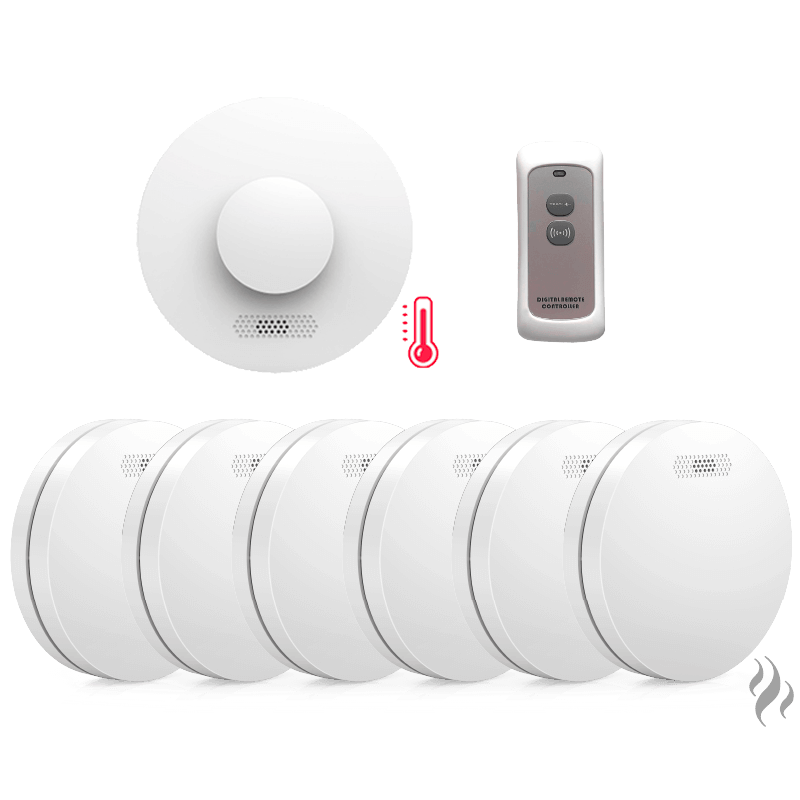
The FireGuard+ Alarm System is a wire-free solution to make your home safe and compliant with the new Scottish Fire Alarm Legislation. Installation takes just 10 minutes.

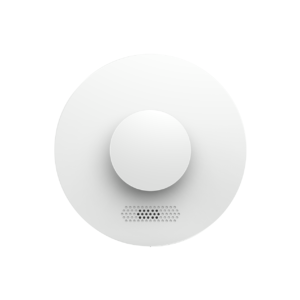
Smoke Alarm
BUY HERE
Heat Alarm
BUY HERE
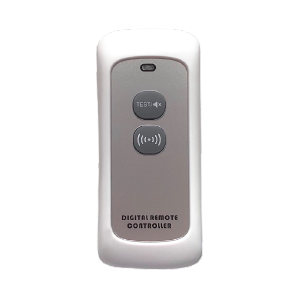
Remote Controller
BUY HERE

What is the difference between
Hard-Wired and Wireless solutions? 

A radio-linked system is the best solution to save time and money, without the risk of incurring in additional costs for installation and re-decoration to walls and ceiling. Here are the key differences between the two types:

KEY DIFFERENCES

Hard-Wired Interlinked

Wireless Interlinked

Ease of installation
Requires electrician
Install In 10 Minutes
Maintenance
Annual technician check
Simply check batteries
Dependability
Power supply
Battery Operated
Power-cut
Does Not Work
no disruption
Interconnection
hard-wired
wireless
Add extra Alarm
Requires electrician
Order extra Units Online
Extra costs?
Up to £2,000 fitting fee 
None

How to link new alarms

ADHESIVE PADS
Drilling not required
SCREWS
Drilling required
1

Unbox and pair the alarms

Unbox and turn on all the detectors to enter in pairing mode: press and hold the centre button of one of the alarms until green light flashes 3 times, then release. Press and hold the centre button of all other devices until green light flashes 2 times, then release. Repeat with the rest of the alarms.
2

Attach sticker and fit to ceiling

Peel off one side of the bi-adhesive stickers provided and attach to the back plate of the alarm. Now, peel off the other side of the sticker and attach to your ceiling. Repeat with the other alarms.
3

Test your devices

Once all the devices are fitted in the desired rooms, test the fire alarm system. You can press the 'Test' button on the remote controller or by pressing the centre button of one of the alarms.
1

Unbox and pair the alarms

Unbox and turn on all the detectors to enter in pairing mode: press and hold the centre button of one of the alarms until green light flashes 3 times, then release. Press and hold the centre button of all other devices until green light flashes 2 times, then release. Repeat for the rest of the alarms.
2

Drill holes and screw in the alarms

Use the back plate as a guide to drill holes in your ceiling. Use screws and anchors provided to fit the plate. Then, simply screw in the detectors by twisting them in the fitted plate.
3

Test your devices

Once all the devices are fitted in the desired rooms, test the fire alarm system. You can press the 'Test' button on the remote controller or by pressing the centre button of one of the alarms.